Welcome to the Ecosystem

Take absolute control of your digital ecosystem. The enterprise command center for decentralized assets, immutable audit trails, and verifiable credentials.

CORE CAPABILITIES

Seamlessly transition your liabilities into verifiable digital assets.

In high-stakes environments, standard logs aren't enough to protect your business. Arc-V anchors incident reports, safety waivers, and operational data into an unalterable, mathematical timeline, creating verifiable proof that your records are tamper-proof.
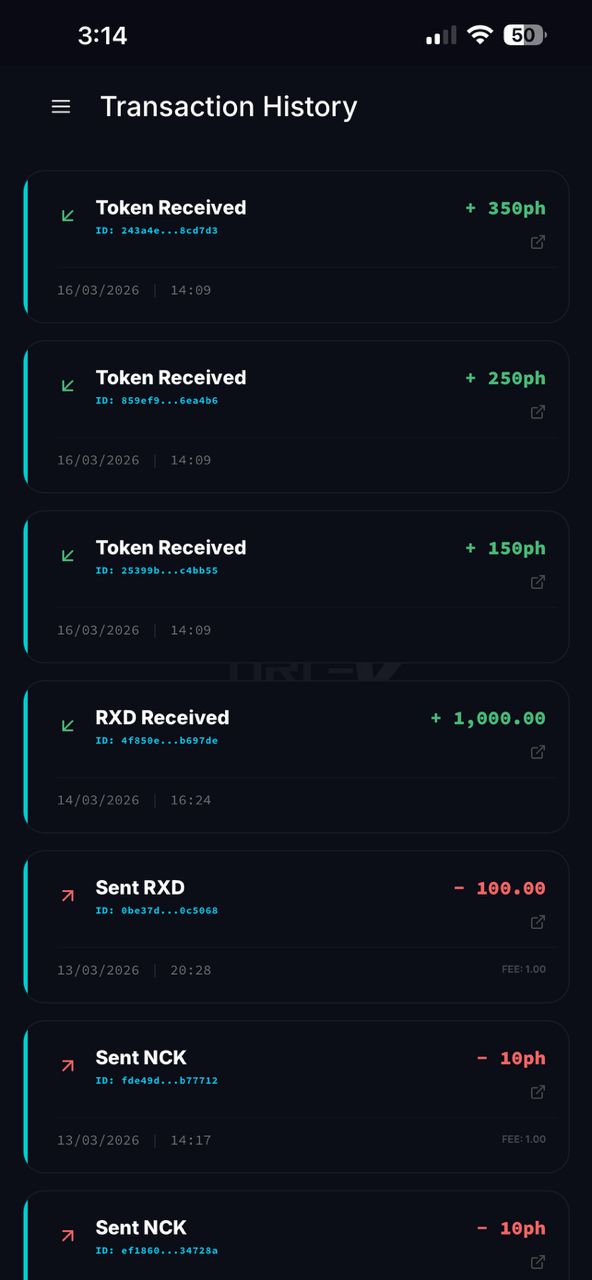
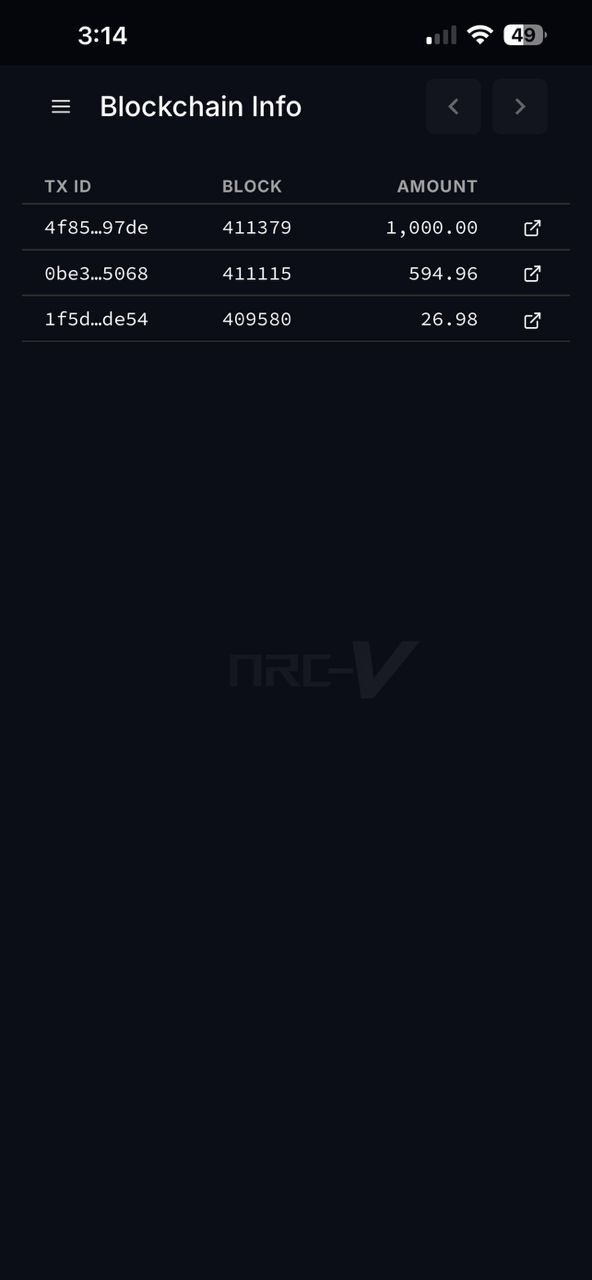
Log Details Screen Verifiable Proof Dialog

Give your clients an ownable, immutable badge of honor. Issue cryptographically secure digital credentials that serve as absolute proof that a user achieved a specific rank, attended your exclusive event, or mastered a certification program.
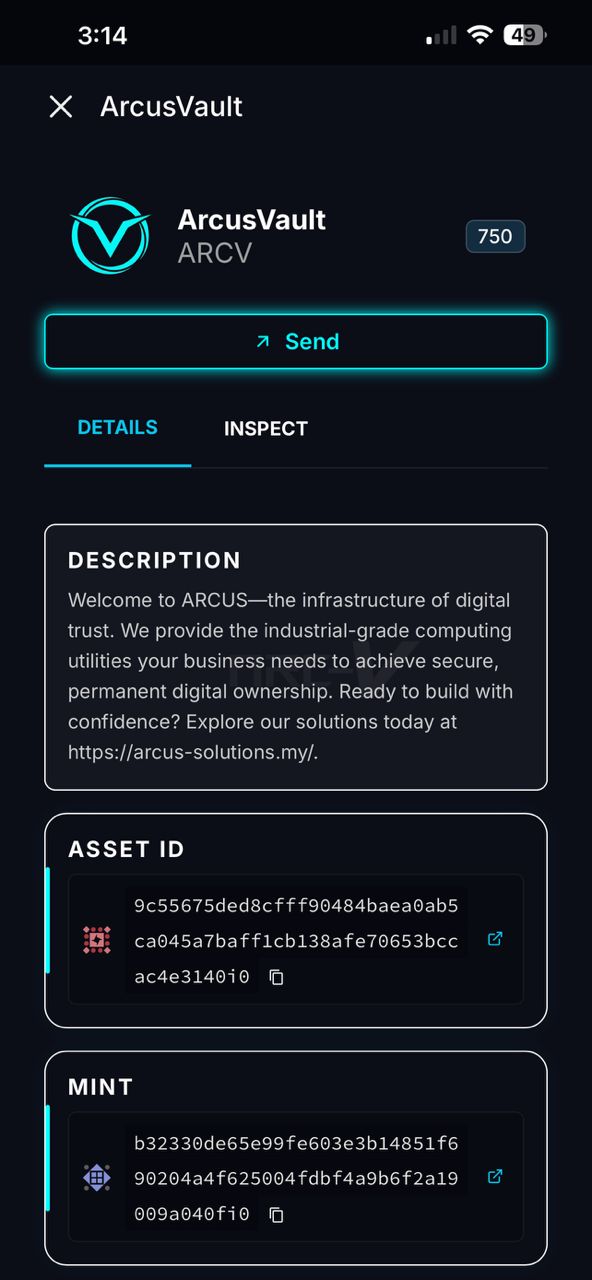
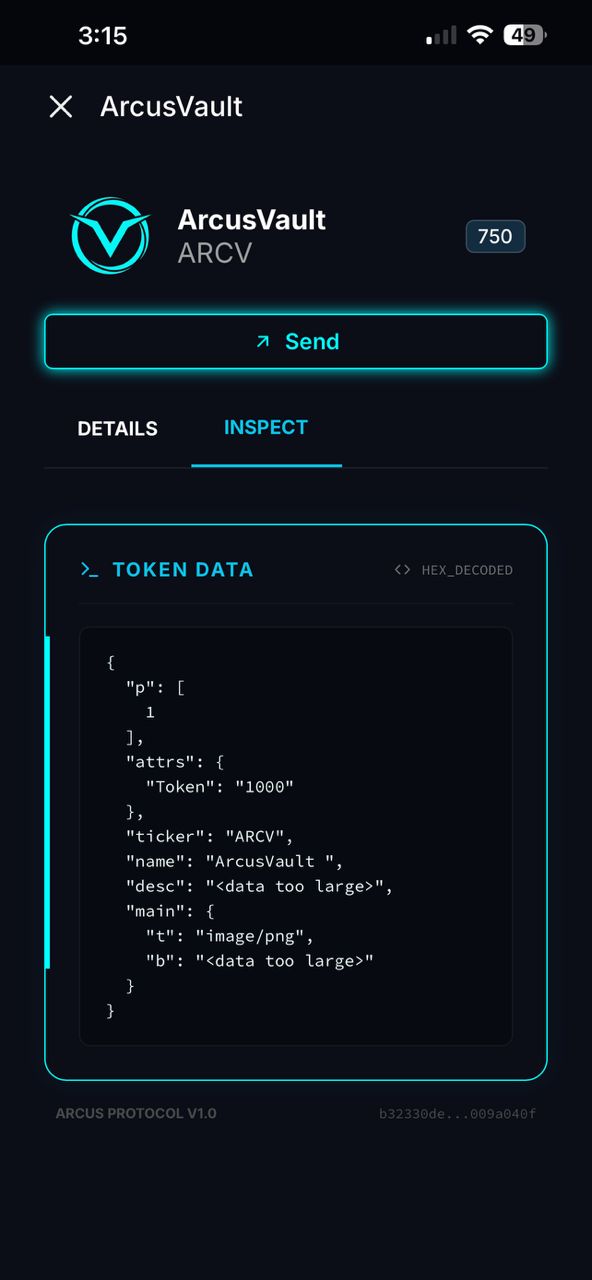
Log Details Screen Create Certificate Dialog

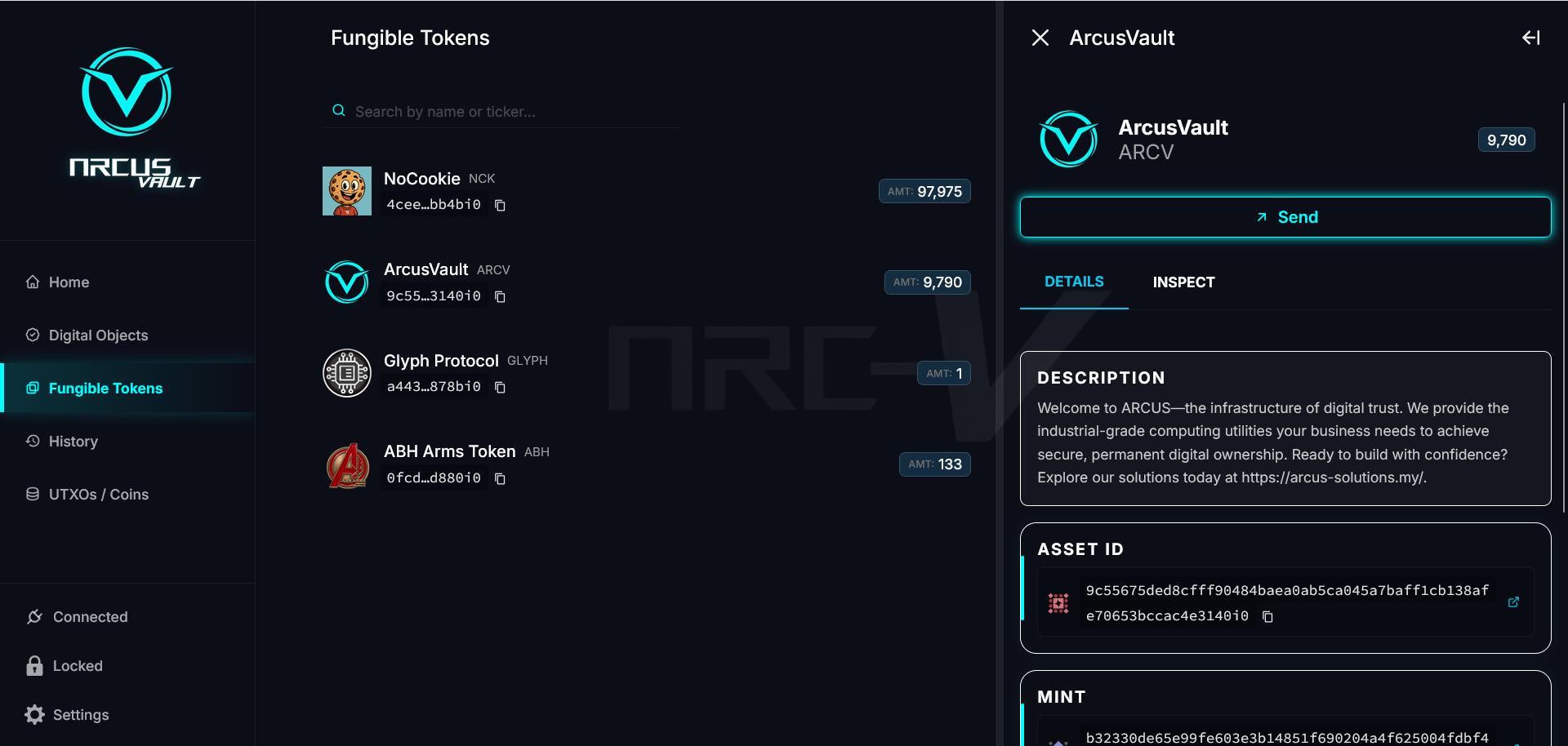
Wielding advanced digital security shouldn't require a technical degree. Arc-V provides a clean, professional web interface that empowers your operational staff to securely deploy, manage, and verify blockchain-anchored assets with zero technical friction.

Token Details Screen

ENTERPRISE-GRADE ARCHITECTURE

Built for absolute data sovereignty, high-speed execution, and seamless business integration.

High-Throughput Economics

Harness the power of blockchain without the overhead. By combining a robust network with an ultra-low fee structure, Arc-V completely eliminates the prohibitive gas costs of legacy systems.

Self-Sovereign Governance

Maintain absolute sovereignty over your digital ecosystem. Arc-V utilizes advanced Identity & Access Management (IAM) and hardened cryptographic security protocols.

Seamless IT Integration

You do not need to abandon your current software stack. The Vault is designed to operate as a secure, decentralized background layer allowing existing systems to interface directly with the blockchain.

DEPLOYMENT GUIDE

Select a module to view the mobile setup and security protocols.

01

Corporate Compliance & Licensing

Arc-V

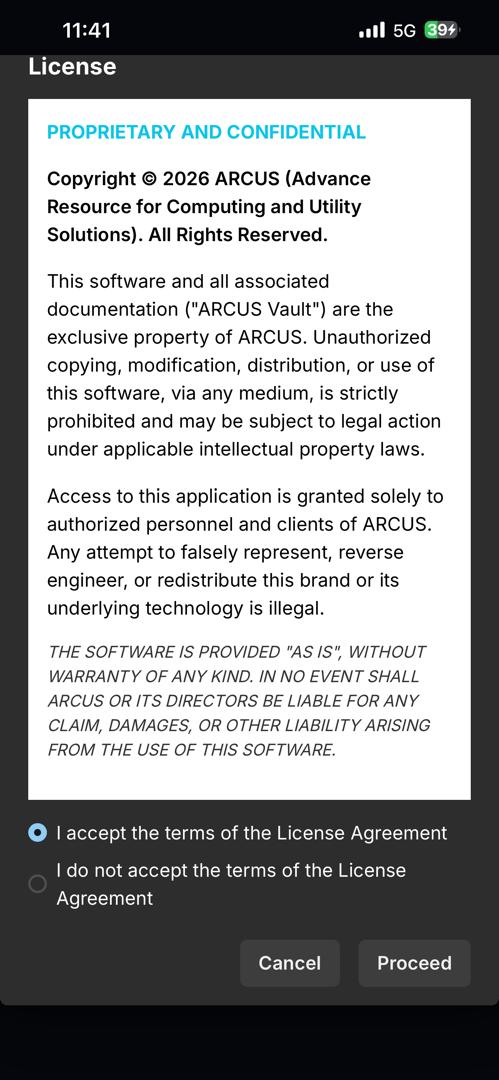
Before generating administrative keys, you must review the official ARCUS usage terms.
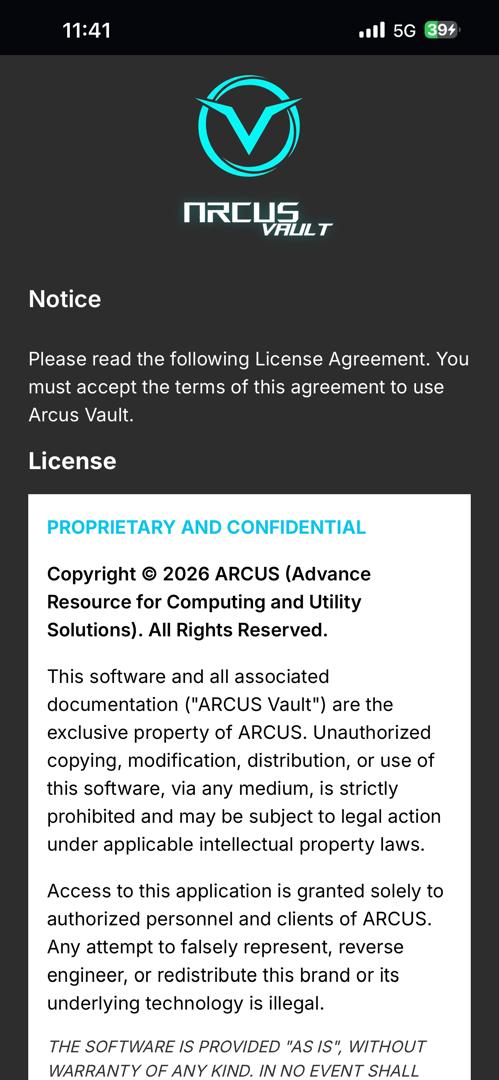
  • Step 1: Launch the Arc-V mobile application to view the Notice screen.
  • Step 2: Read the License Agreement. This defines your operational boundaries.
  • Step 3: Select "I accept the terms" and press Proceed.
Notice License
02

Credential Establishment

Arc-V

Set up the local security parameters for this specific device.
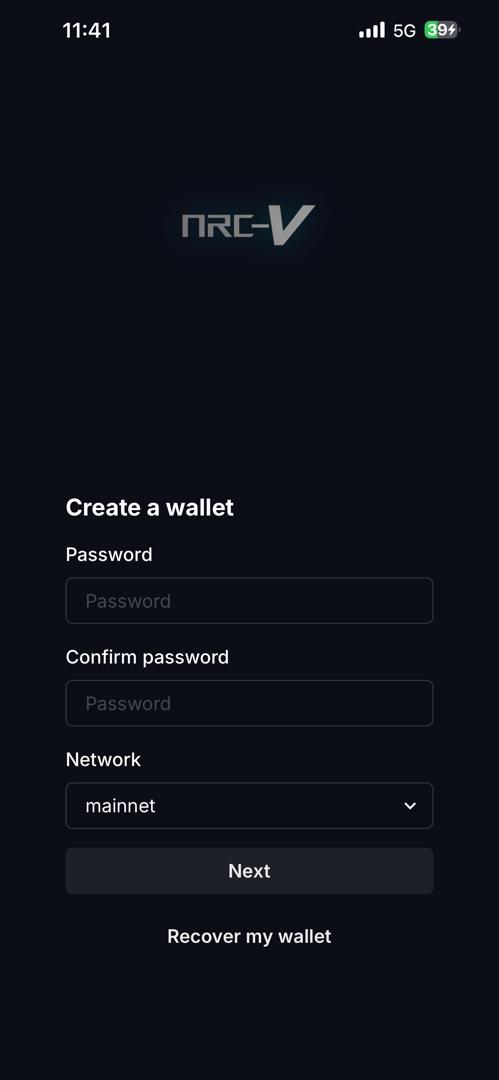
  • Step 1: Select "Create a wallet".
  • Step 2: Define a robust, unique password.
  • Step 3: Ensure the Network is set to mainnet, then proceed.
Wallet
03

Master Key Extraction (CRITICAL)

Arc-V

This is the most critical security step. The system will generate your immutable Master Override Key.
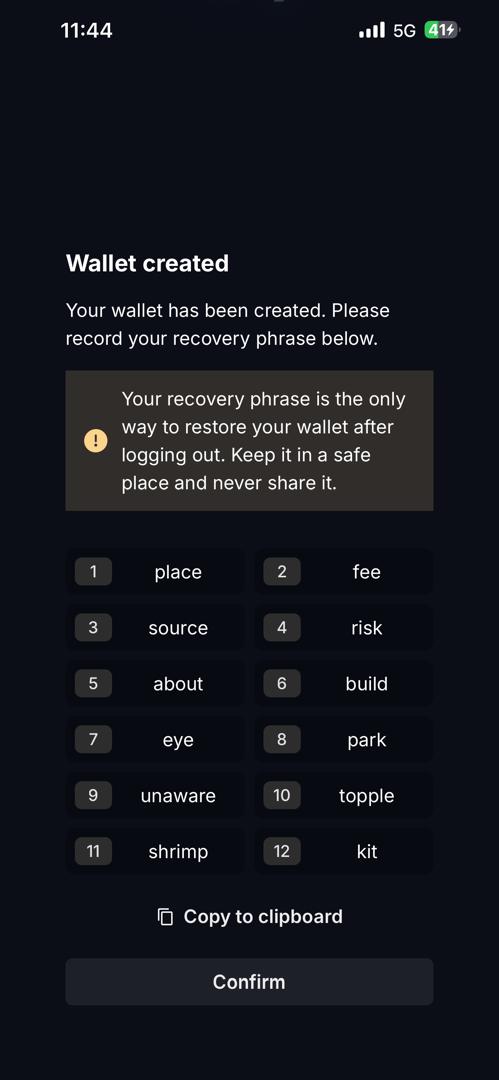
  • Step 1: View your 12-word Recovery Phrase.
  • Step 2: Write it down on physical paper exactly as it appears.
  • Step 3: Store this record in a secure corporate vault.
Key
04

Command Center Overview

Arc-V

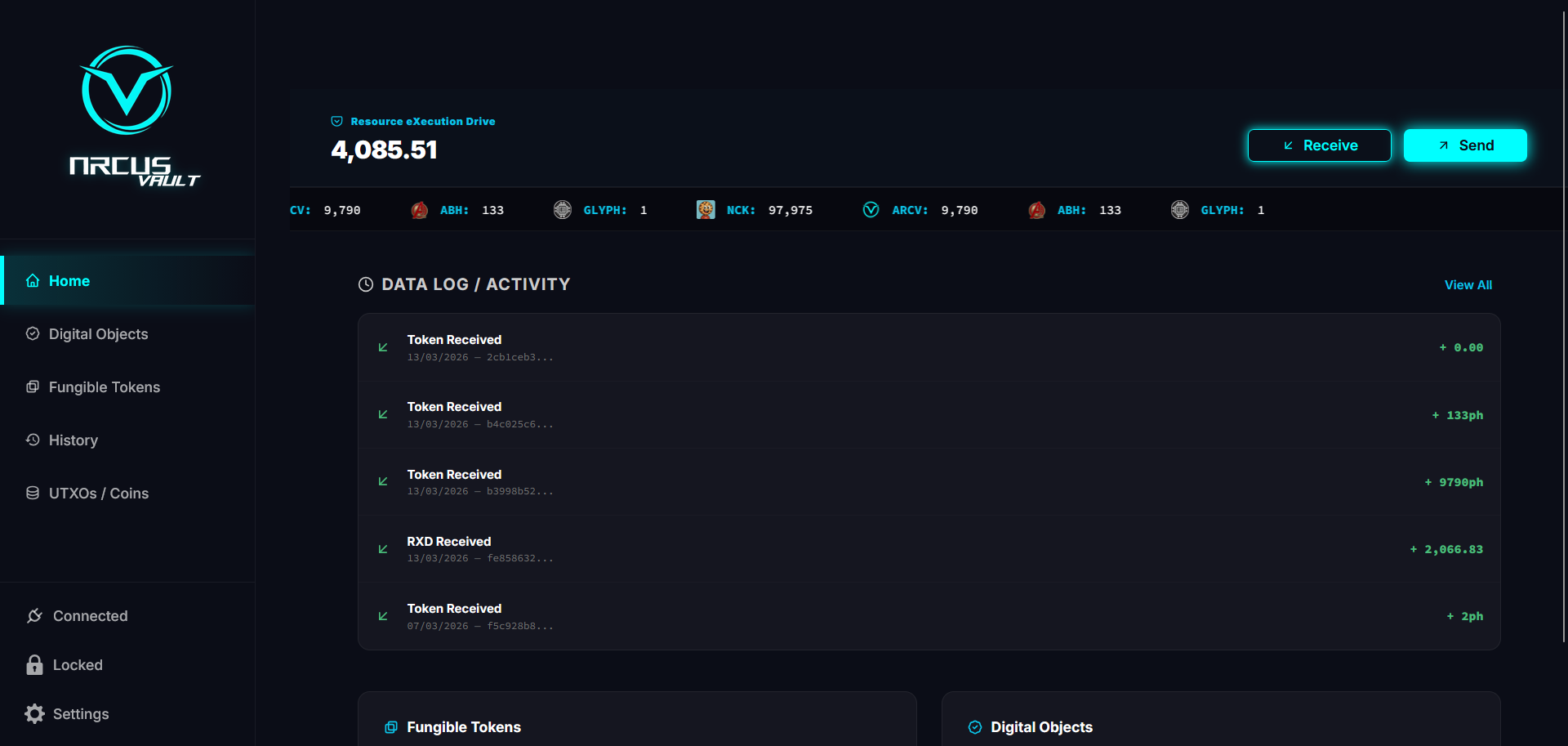
Familiarize yourself with the primary dashboard interface.
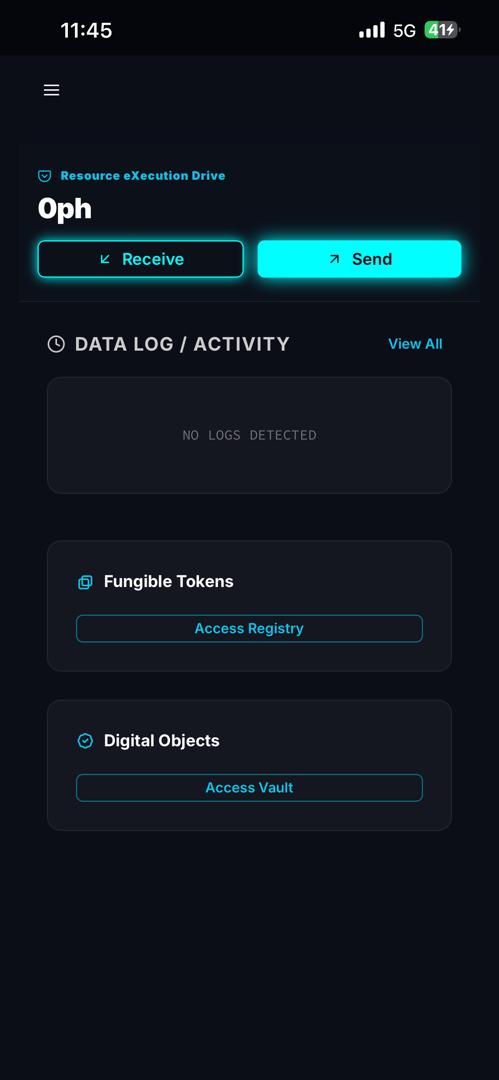
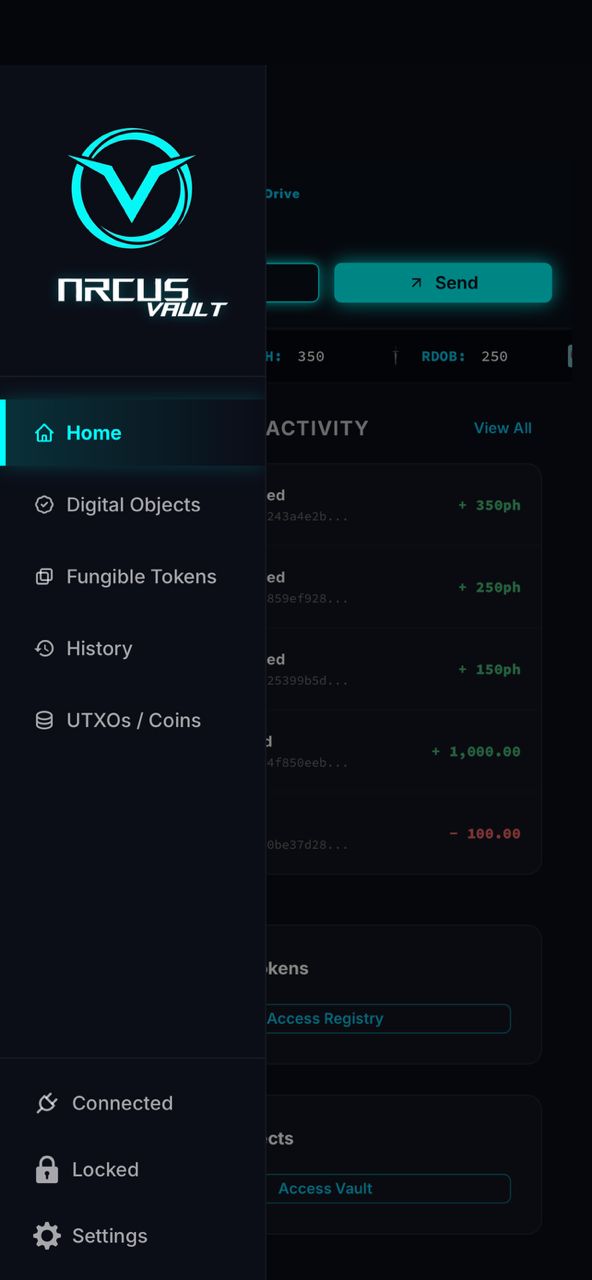
  • Step 1: The dashboard displays data logs and asset quick access.
  • Step 2: Monitor the glowing top bar for RXD operational fuel.
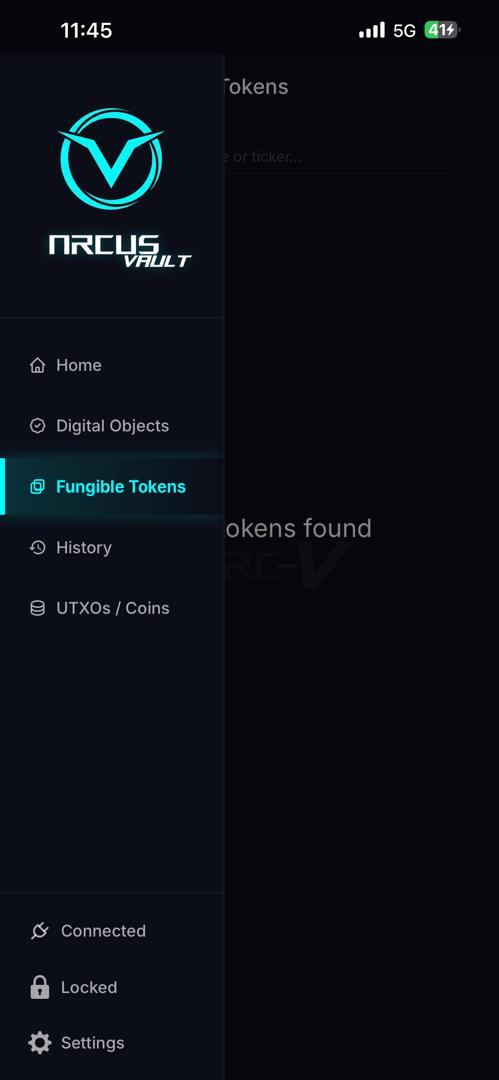
  • Step 3: Tap the menu (≡) for deep asset management.
Dash Menu
05

System Recovery Protocol

Arc-V

If a corporate device is lost, follow this procedure to restore administrative access.
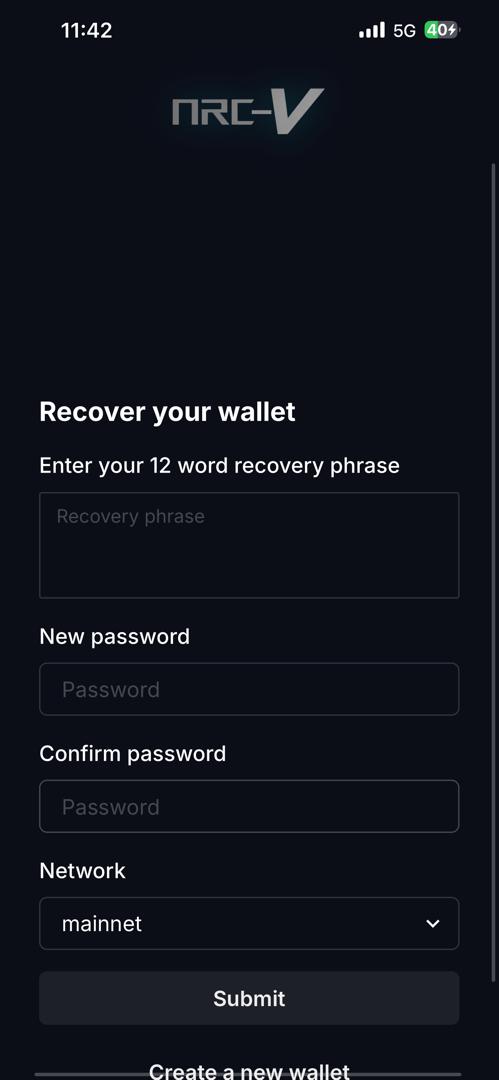
  • Step 1: Select Recover my wallet on a new device.
  • Step 2: Input your physical 12-word Master Key.
  • Step 3: Create a new local password to restore access.
Recovery

ARC-V PORTAL

Your official gateway to decentralized administrative control.

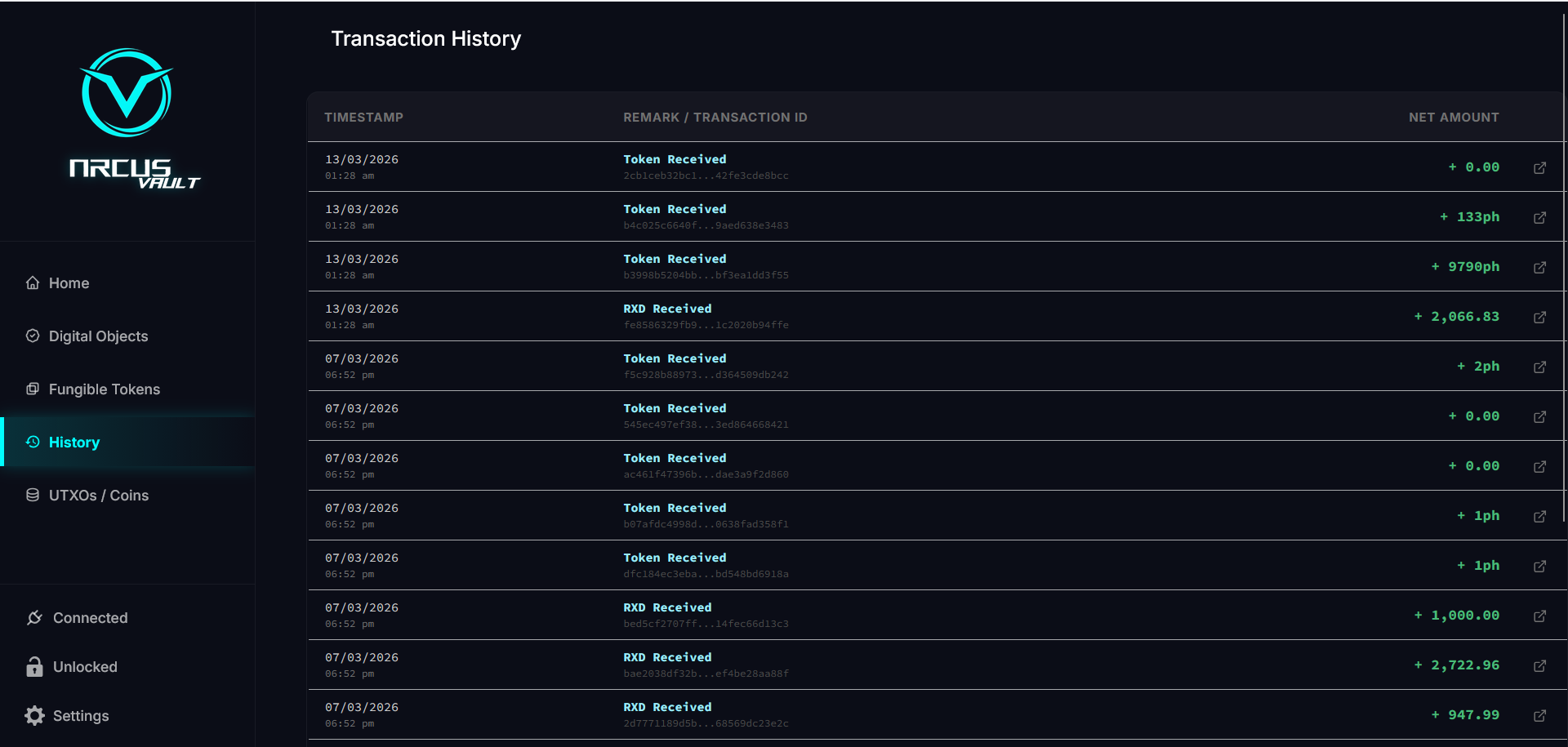
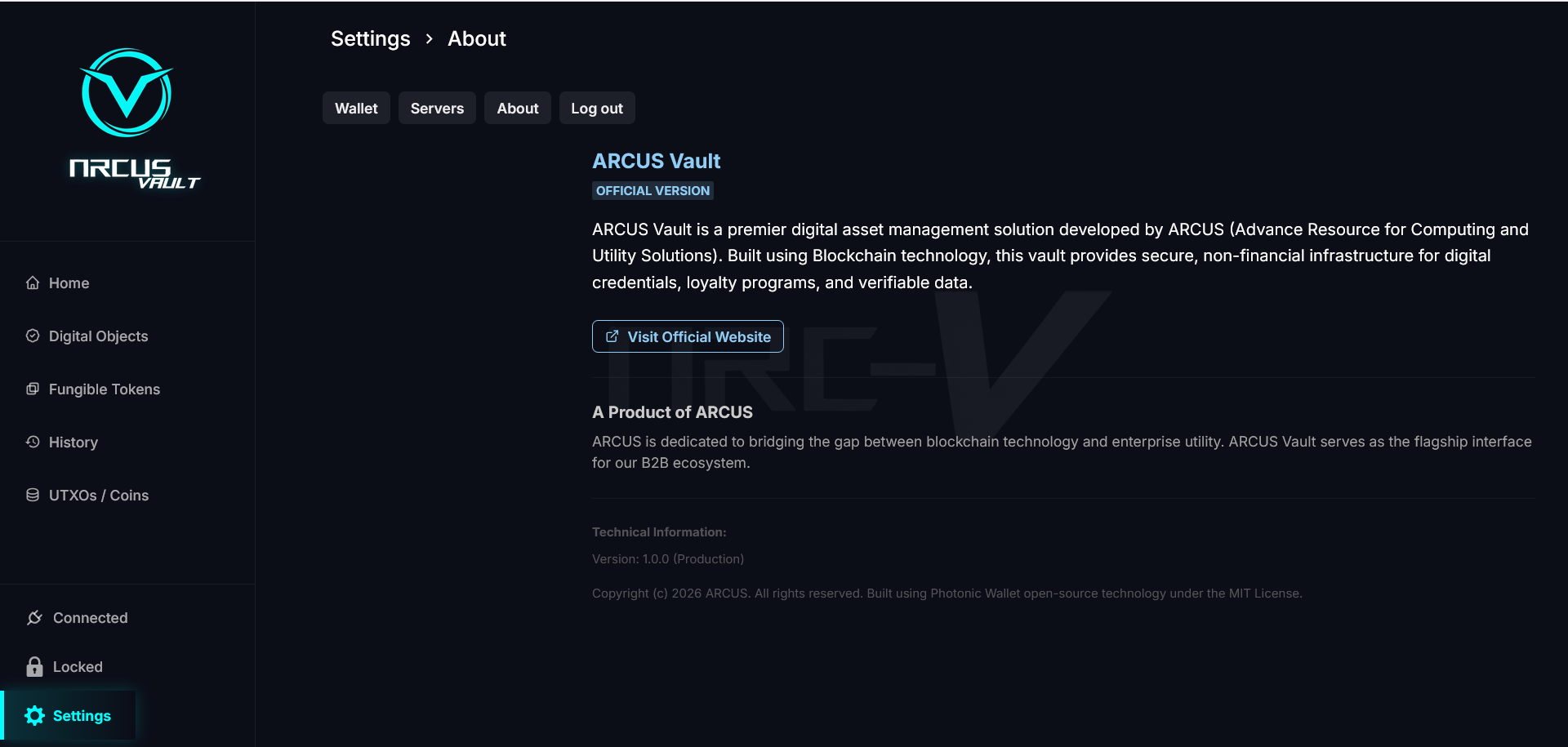
The official ARC-V Vault web interface provides a high-security environment for authorized personnel to manage tokenized assets, verify immutable logs, and monitor ecosystem health with cryptographic certainty. Access is restricted to valid credential holders.

ENTER ARC-V